U-Dictionary
U-Dictionary is a free Android dictionary and translation app from Youdao for looking up words, translating text and learning English vocabulary.
66.5 MB

7.25.5.2609030000 · INTSIG Information Co.,Ltd · Page updated
CamScanner is a mobile scanner app from INTSIG that turns photos of documents, receipts and notes into clean scans and PDF files.
Average 0.0 · ratings: 0
Thank you! Your rating is saved; you can change it. Could not save the rating. Please try again later. Too many ratings from your network today. Please try again tomorrow. The average appears after 5 ratings.
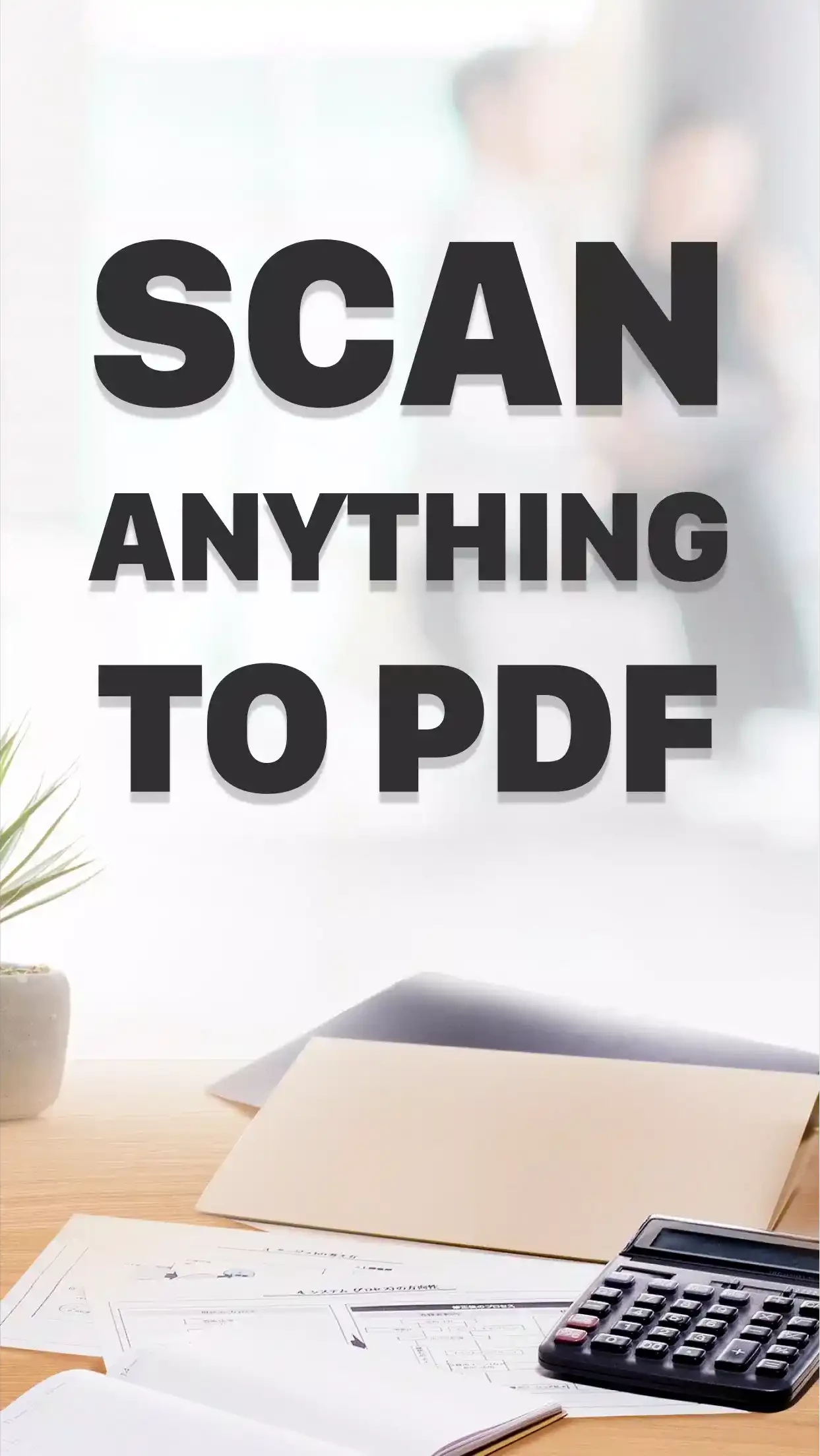
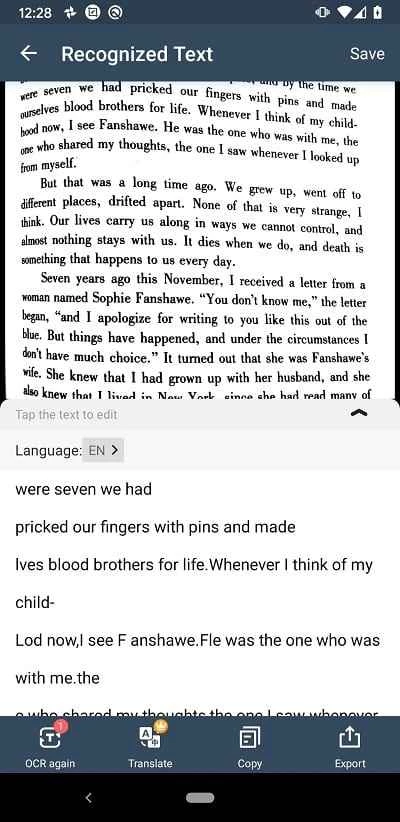
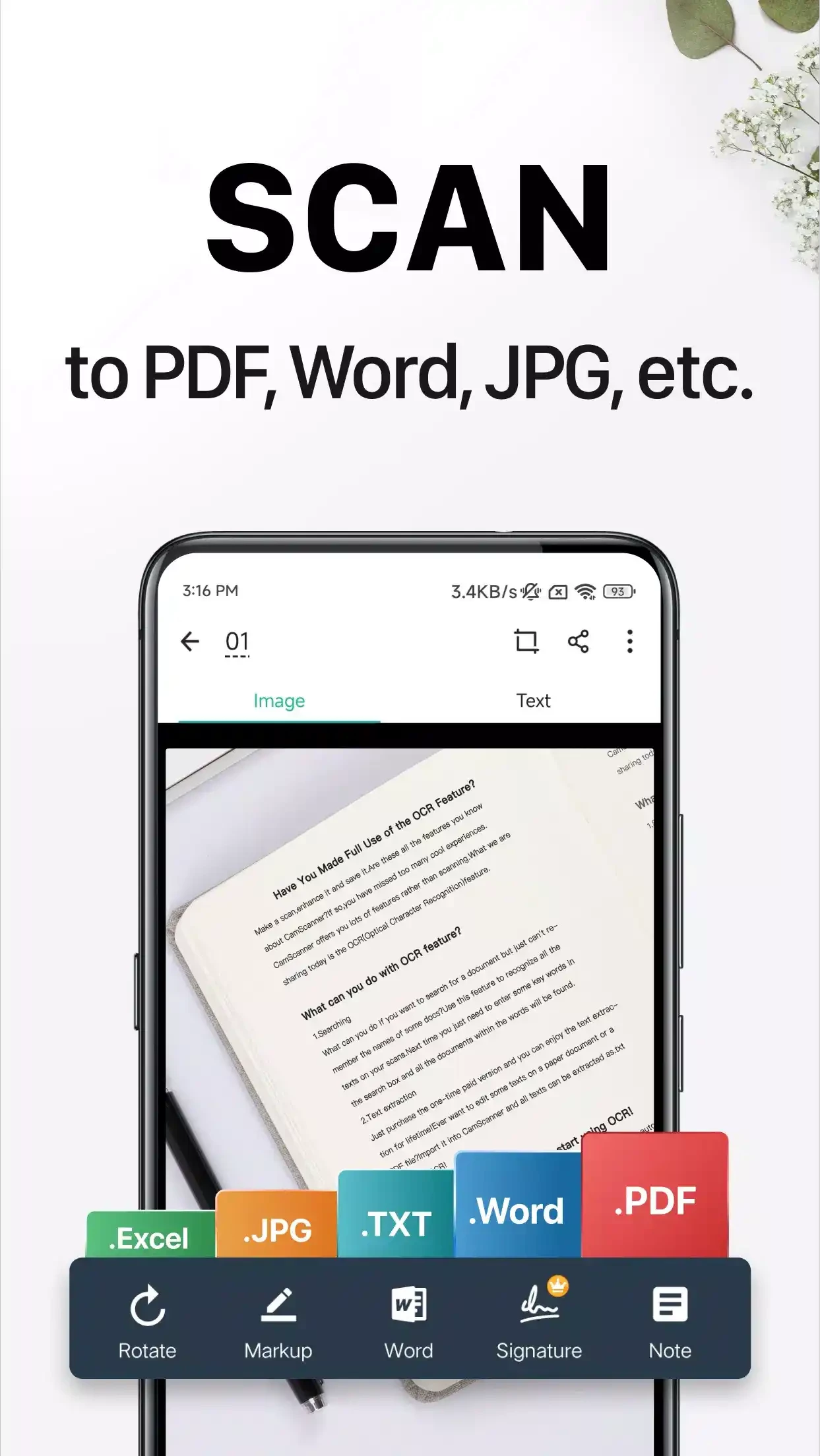
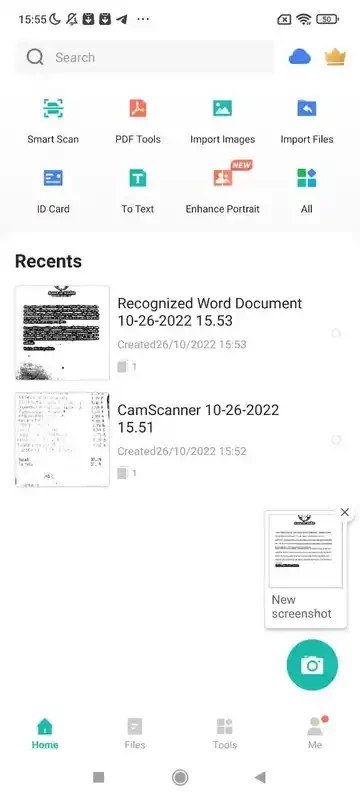
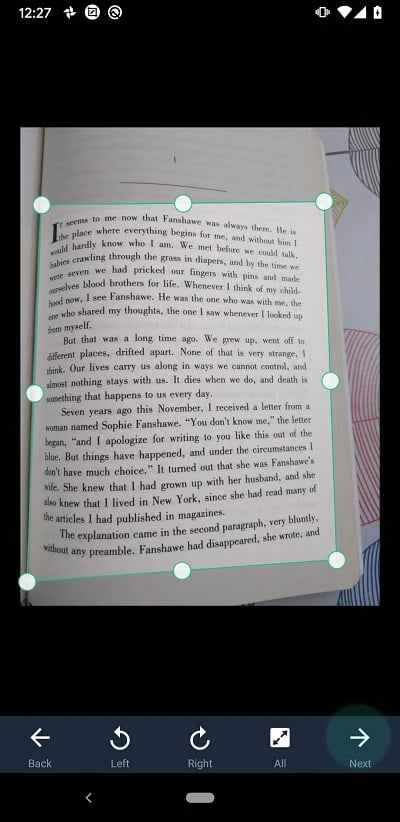
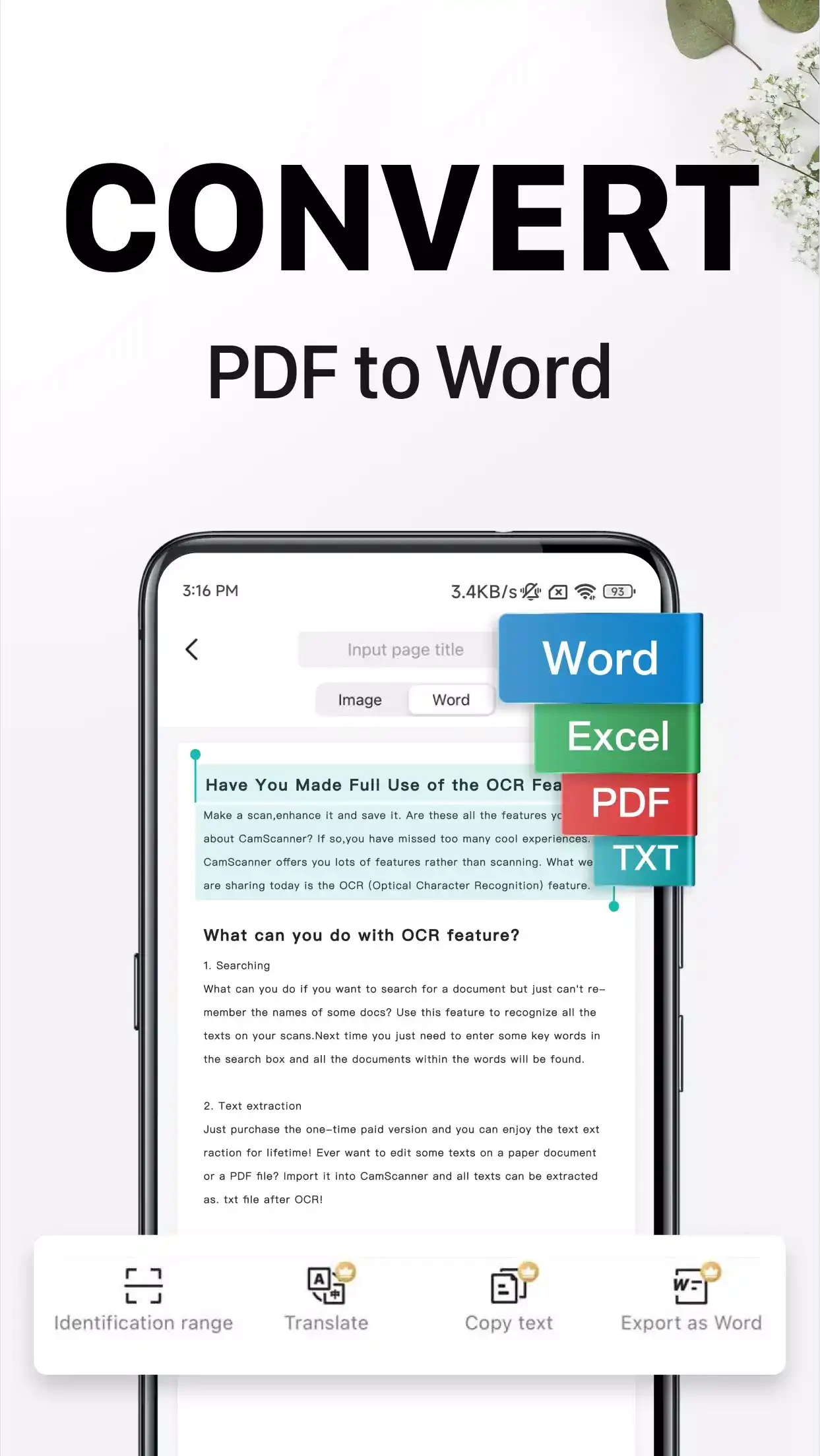
CamScanner 7.25.5 is a document scanner app for Android from INTSIG Information Co., Ltd. You can download CamScanner for Android from Google Play to turn phone photos of documents, receipts and notes into clean scans and PDF files.
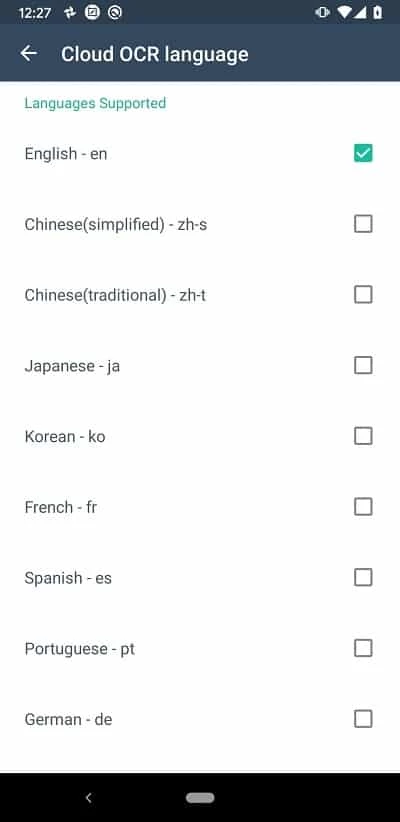
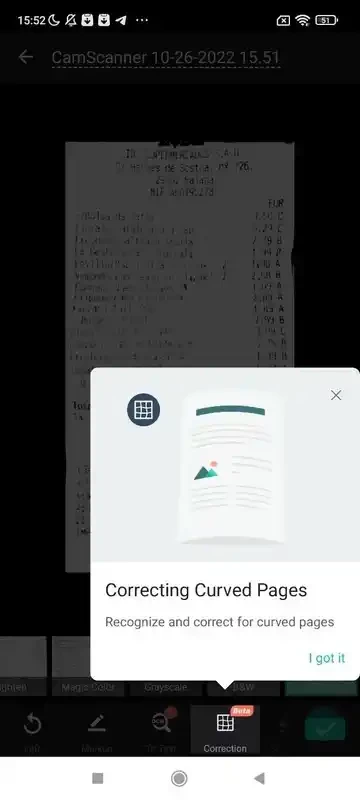
CamScanner has been around since 2011 and is one of the apps that made the flatbed scanner unnecessary for everyday paperwork. You point the camera at a page, the app detects its edges, straightens it and cleans up the background so that the result looks like a scan rather than a photo on a table. Several pages can be combined into one document and saved or shared as a PDF or image. That covers the usual needs: sending a signed form, keeping receipts for expenses, digitising class notes or storing copies of contracts on the phone. The app also offers text recognition for turning scans into editable text and cloud storage for documents, with more advanced functions offered in its paid tier. For people who scan a few pages a month, the free version is often enough; heavy users will meet the limits and prompts to upgrade.
An Android phone with a camera; Google Play shows whether your device is compatible. The package is about 155.32 MB according to catalogue data.
Scanned documents often contain passport numbers, addresses and bank details. Read the official CamScanner page and the app's privacy settings, keep cloud sync off if you do not need it, and delete scans you no longer need. Install only from Google Play, not from APK sites.
CamScanner is free to download and use, with a paid premium subscription for extra features and fewer limits.
For notes and documents, our site also lists Google Keep and Microsoft 365 Copilot, which can work with scanned content too.
U-Dictionary is a free Android dictionary and translation app from Youdao for looking up words, translating text and learning English vocabulary.

Grok is the generative AI chatbot from xAI. The Android app lets you ask questions, write and brainstorm with it on your phone.

Android Auto is Google's app that brings navigation, calls, messages and music from your Android phone to a compatible car screen.

Perplexity for Android is a free AI search app that answers questions in plain language and links to the sources behind each answer.

Google Gemini is Google's generative AI chatbot. The Android app lets you ask questions, write and summarise text and get help by voice.

Duolingo is a free Android app for learning languages through short, game-like lessons, from the American company Duolingo.

PayPal is a digital wallet app from PayPal, Inc. for sending money and paying online. This page covers version 10.14.0 for Android.

ChatGPT for Android is OpenAI's official app for its AI chatbot, letting you type or talk to it on your phone.